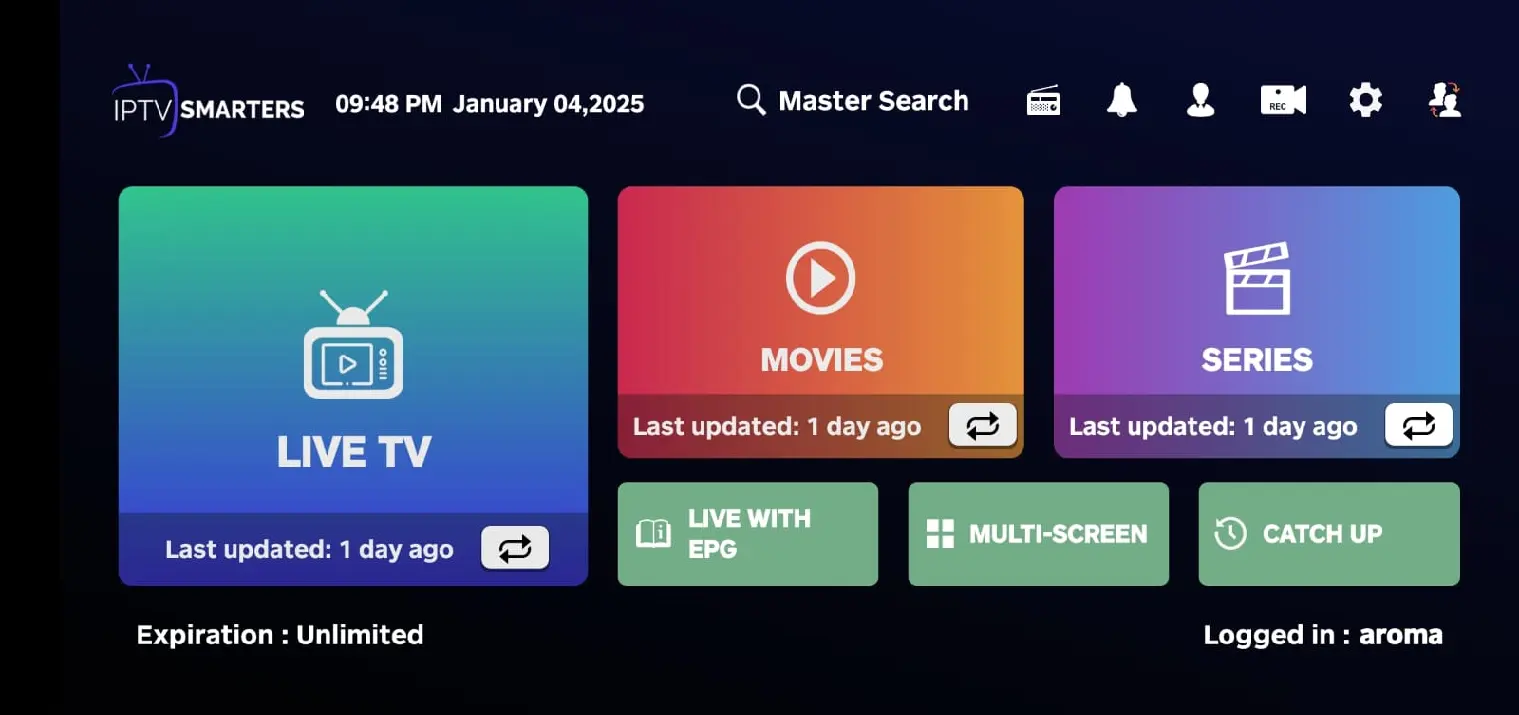
Official Strong 8K App
Download & Activate on Android TV, Firestick & Smart TV
Everything you need for the most-used devices — install the Android APK, use the Firestick Downloader code, and activate your subscription in seconds.
✦ Official App
Strong 8K for Android TV & Firestick
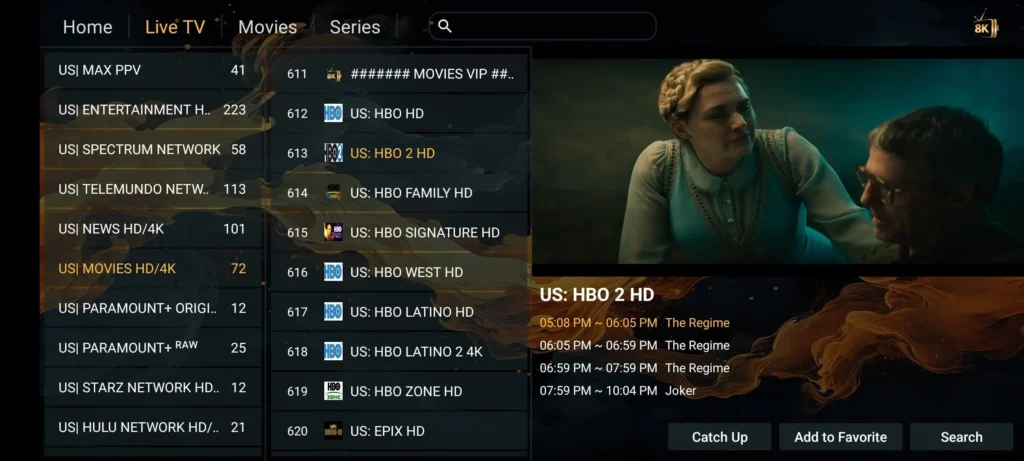
The main Strong8K app for TV boxes, Fire Stick, Android TV, and phones. Built for fast channel loading, smooth playback, and simple activation.
- 1000+ Live TV Channels
- Movies & Series on Demand
- Full EPG Programme Guide
- Remote-Friendly TV Layout
- Optimized for Low-Spec TVs
- Phone & Landscape Support
- Xtream Codes Login
- M3U Playlist Support
Android TV
Fire Stick
Smart TV Boxes
Phones
Free Download
v1.0
Download Strong 8K Android APK
⚡ Smart Activation
Activate Any Device
From Your Phone
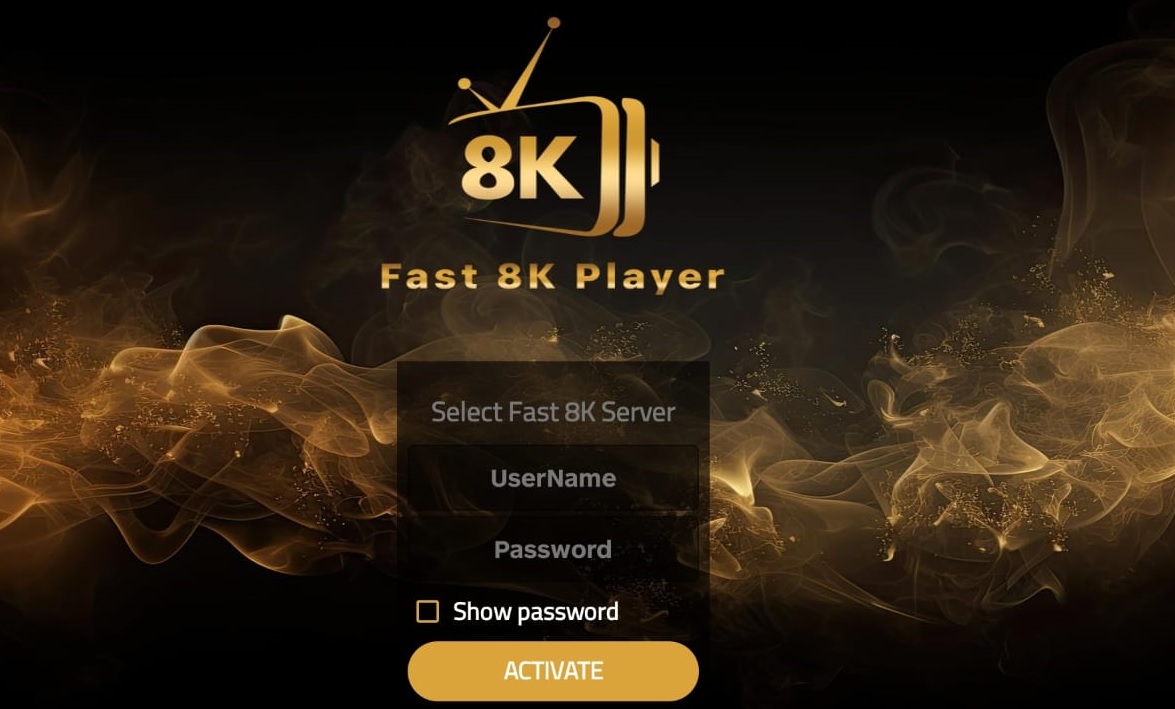
No typing credentials on a TV remote. Enter your MAC on this page — the app signs in automatically.
1
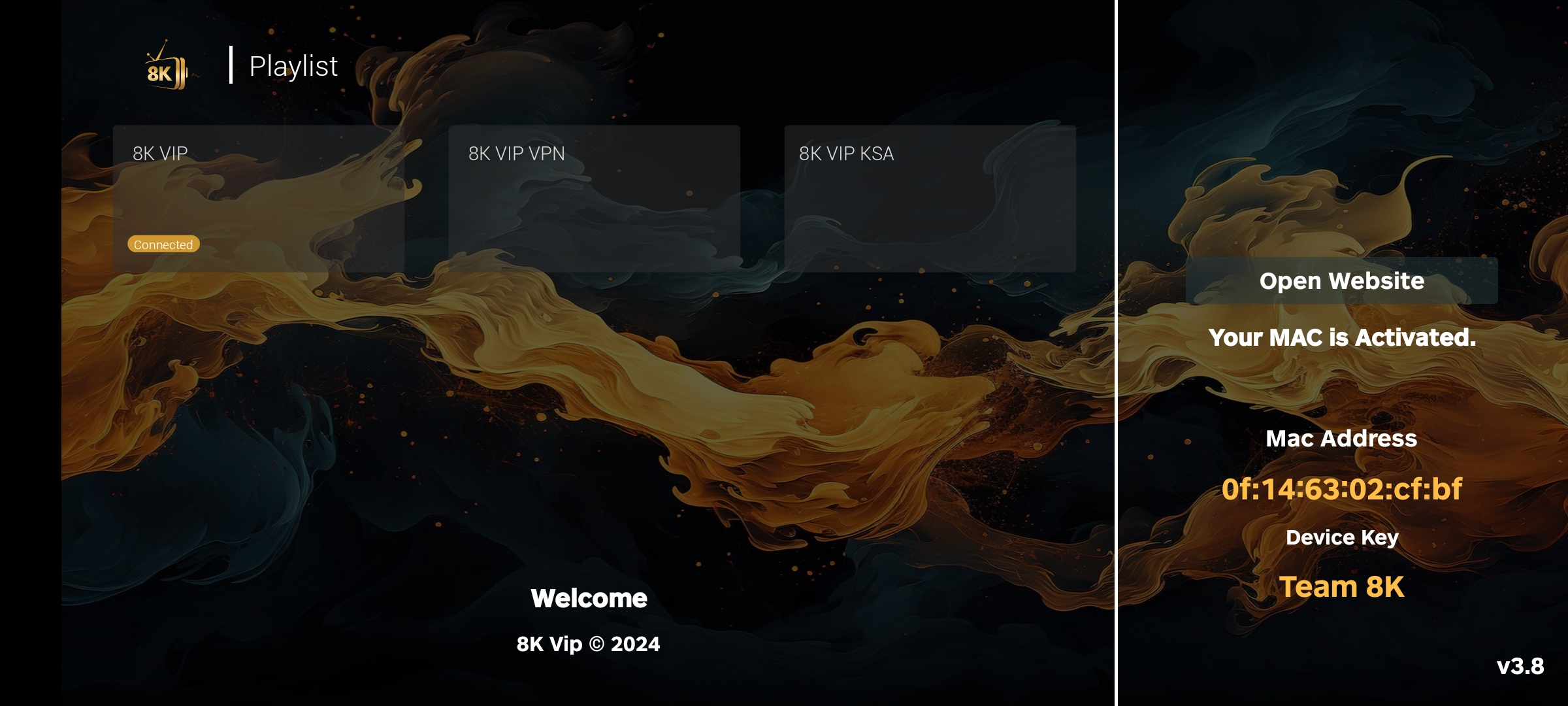
Open Strong 8K on your device — your MAC address is shown on the login screen.
2
Click Activate Device below, enter the MAC + your IPTV credentials (Xtream or M3U).
3
The app detects your credentials and signs in automatically within seconds. Done.
Works best on Android TV, Fire Stick, TV boxes, phones, Smart TVs, and Windows PC.
Firestick Install
Install on Firestick, Android TV & TV Boxes
Open the Downloader app on Firestick or Android TV and enter the code below. You can also copy the direct APK link if you prefer manual install.
Firestick Downloader Code
6046882
When your real Downloader code is ready, change $firestickDownloaderCode at the top of this PHP file.
Smart TV note:
For Android Smart TVs, Android TV boxes, Nvidia Shield, and Fire TV devices, use the main Android APK above.
For Samsung or LG TVs that cannot install APK files, use the compatible Smart TV apps listed below and activate with your Strong8K credentials.